


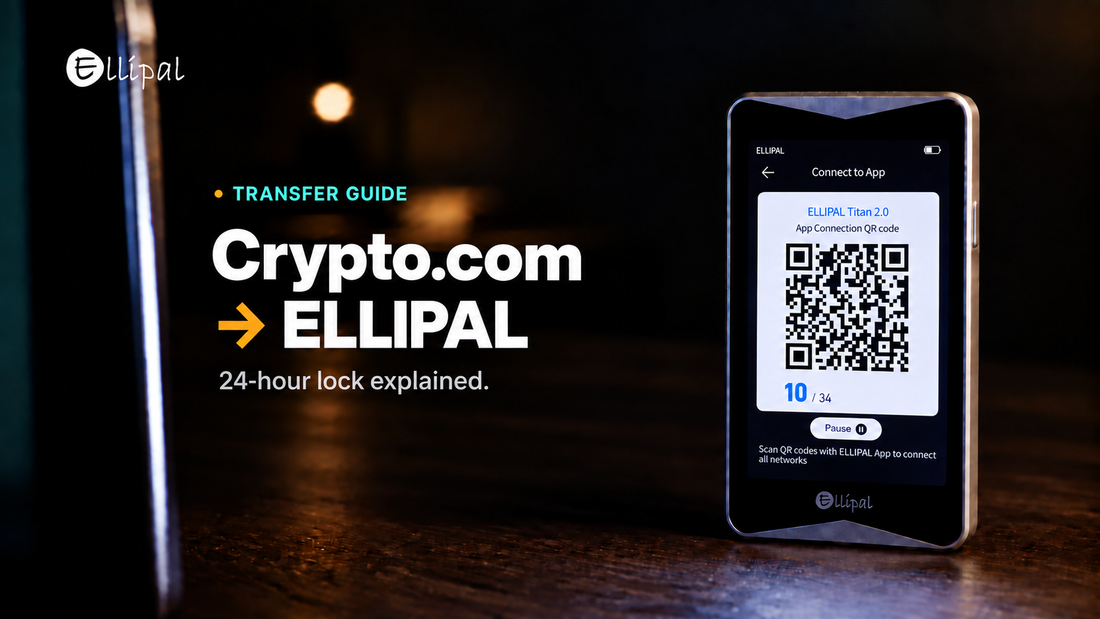
Main Takeaway: Moving crypto out of Crypto.com runs in two stages: whitelist the address your ELLIPAL wallet generates, then withdraw to it. Most of the waiting sits in the whitelist stage. If the 24 hour withdrawal lock is on, a newly added address is held for a day, and switching that lock off also takes 24 hours.
Quick Reference
| Withdrawal whitelist | Required for every new address on the App side, a step in the Exchange guide. |
| 24 hour withdrawal lock | Hits a newly added address when the feature is enabled. Switching it off takes 24 hours too. |
| Satoshi Test | Where your region's rules require it, you send an exact amount from your ELLIPAL wallet to an address Crypto.com gives you. |
| Destination tag and memo | XRP needs a tag, XLM a memo, for shared exchange addresses. Leave blank for your own. |
How do you transfer crypto from Crypto.com to an ELLIPAL wallet?
You transfer crypto from Crypto.com to an ELLIPAL wallet by whitelisting the address it generates, then withdrawing on chain. Crypto.com holds the coins until the withdrawal confirms, which is when the keys become yours.
- In the ELLIPAL App, select the coin, tap Receive, and check the asset and network match Crypto.com's. A matching coin name is not enough.
- Copy the address from the ELLIPAL App and verify the full address.
- In the Crypto.com App or Exchange, open Withdraw and whitelist that address.
- Wait for the address to clear, then select it and enter a small test amount.
- Confirm. If the balance does not appear, check the transaction hash on a block explorer for network, status and recipient address, then compare that address with the account open in the App.
- Move the rest in separate batches, checking receipt before each next one.
Why turning the 24 hour withdrawal lock off also takes 24 hours
Switching the lock off to skip a held withdrawal hands you the same wait.
The toggle is symmetrical. Crypto.com's App page states that "Disabling the Lock will take effect in 24 hours", and the Exchange page states that "The change will take effect in 24 hours", so the setting protects the account in both directions. Turning the lock back on asks only for a confirmation, with no stated delay. Disabling has a second cost, since the App page says you lose Account Protection Programme eligibility while the feature is off.
So plan it a day ahead. Whitelist your ELLIPAL address before you intend to move anything, then leave it whitelisted, since the lock attaches to a newly added address and not to each withdrawal. Both pages make the lock conditional on the feature being enabled, so check your account first. Crypto.com notes external withdrawals may take a couple of hours.
Which situation matches yours
- Moving a mainstream coin for the first time. Whitelist a day early, send a test amount, then the rest.
- The token has no withdrawal option on screen. Crypto.com lists deposit only assets and paused networks, so check both.
- Your CRO sits in a Level Up stake. The stake is locked for 365 days and "cannot be unstaked early", with an estimated 36 day unbonding period after maturity.
- Crypto.com asks you to verify the wallet. Requirements vary by jurisdiction, so follow the instructions shown in Crypto.com. For the Satoshi Test, send the exact requested amount from your ELLIPAL wallet to the receiving address Crypto.com specifies, on the network shown.
Where the ELLIPAL wallet fits
The ELLIPAL Titan 2.0 is a cold wallet with no Bluetooth, no WiFi and no USB data connection, so transactions travel by QR code and signing happens on the device. The ELLIPAL X Card is an NFC cold wallet in card form, with no battery and no port, signed by tapping it to your phone. Different tools. Same mission. Both generate and store private keys offline inside a secure chip and use BIP39 seed phrases. More on where your crypto actually lives.
FAQ: Crypto.com Withdrawals
Is it safe to transfer crypto from Crypto.com to a hardware wallet?
An on-chain withdrawal to an address you control is a standard transfer, and the address is where the care goes. Verification does not need your seed phrase, so do not share any of its words or word prefixes. ELLIPAL documents the common receiving issues.
How much does it cost to move crypto off Crypto.com?
Fees and minimums vary by asset and network. Crypto.com shows the live figure on the Fees and Limits screen in the app, so read it there before you confirm, and budget the network fee on a Satoshi Test too.
What happens to my crypto if I lose the ELLIPAL device?
Your coins are recorded on the blockchain, and the device holds only the key that signs for them. The seed phrase from setup restores the same accounts on a replacement, so that backup is the part to protect.
Is Crypto.com Onchain the same as a hardware wallet?
No. Crypto.com Onchain is self-custodial, and Crypto.com says you control your private keys there. Onchain holds those keys on an internet-connected phone, a different risk profile from dedicated hardware.
About ELLIPAL
ELLIPAL has built cold wallets since 2018, with more than 1 million users across 140+ countries and support for 10,000+ tokens across 45+ chains. ELLIPAL holds no customer funds, gives no investment advice and is not affiliated with Crypto.com. Staking, swapping and buy-sell services are run by independent third parties, and availability varies by region, asset and provider.
Explore ELLIPAL wallets, pick the one that fits, and you're ready to receive your first transfer from Crypto.com.