
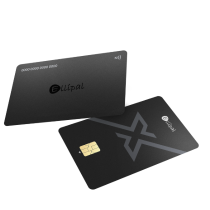
ELLIPAL X Card
NFC-Cold-Wallet für Einsteiger

- Zum Unterschreiben per NFC tippen
- In 3 Minuten fertig
- 100 % Offline-Einrichtung
- Überallhin mitnehmen
Von$66.95$133.90
ELLIPAL X Card kaufen
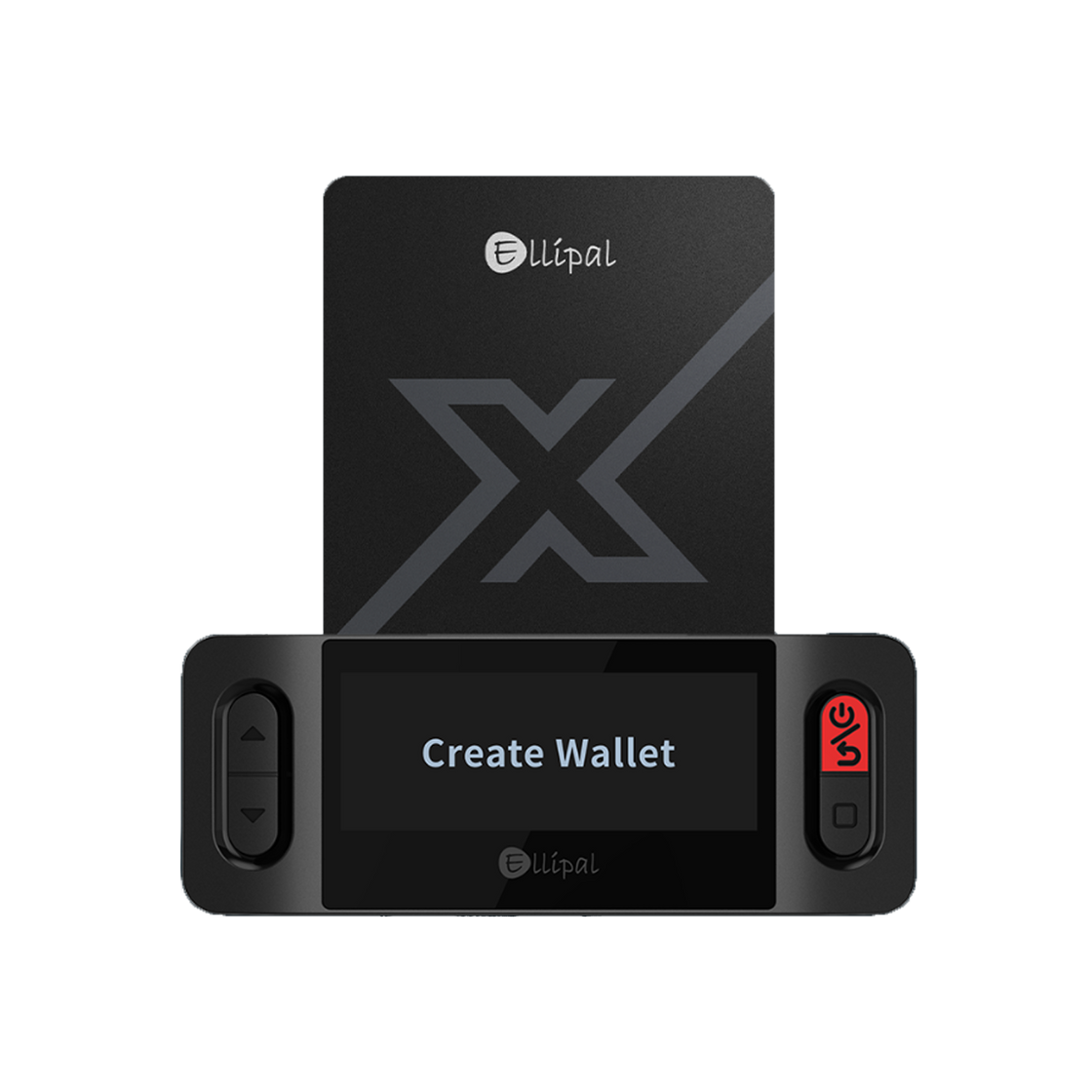
Deine Wallet wird direkt auf der ELLIPAL X Card mit dem ELLIPAL X Card Starter erstellt – zu keinem Zeitpunkt ist eine Internetverbindung erforderlich.
Hier kannst du Guthaben einsehen – deine Karte bleibt währenddessen vollständig offline.
Lade ELLIPAL ausschließlich aus dem offiziellen App Store oder Google Play Store herunter. Vertraue keinen Links aus Anzeigen, Social-Media-Nachrichten oder Suchergebnissen, die vorgeben, von ELLIPAL zu stammen – so werden Menschen betrogen.
Setze deine ELLIPAL X Card zurück und generiere eine brandneue Seed-Phrase.
Du hast bereits eine Seed-Phrase aus einer früheren Wallet? Stelle sie auf der ELLIPAL X Card wieder her.
Suchen Sie sich einen privaten Ort und halten Sie Papier und einen Stift bereit.
Wähle 12, 18 oder 24 Wörter für deine Seed-Phrase und lege dann eine Karten-PIN auf dem Starter fest.

Schreibe jedes Wort in der richtigen Reihenfolge auf und bestätige es dann auf dem Starter, indem du die Wörter in derselben Reihenfolge antippst.
Deine Seed-Phrase ist die einzige Sicherung für diese Wallet. Fotografiere sie niemals, erstelle keinen Screenshot davon und speichere sie auf keinem verbundenen Gerät – niemand, auch der ELLIPAL-Support nicht, wird dich jemals danach fragen.
Öffnen Sie die App, tippen Sie auf „Cold Wallet“ -> „ELLIPAL X Card“, geben Sie Ihre Karten-PIN ein und halten Sie dann Ihre ELLIPAL X Card in die Nähe des NFC-Bereichs Ihres Telefons, um eine Verbindung herzustellen.

Das vollständige Schritt-für-Schritt-Tutorial ansehen →
Sobald die Verbindung hergestellt ist, ist Ihre ELLIPAL X Card vollständig eingerichtet – hier sehen Sie Ihr Konto in der App.
Ihre ELLIPAL X Card ist bereit. Bewahren Sie Ihre Seed-Phrase sicher und offline auf – sie ist Ihre einzige Sicherung.
Möchten Sie Vermögenswerte von einer Börse auf Ihre ELLIPAL X Card übertragen? Befolgen Sie die nachstehenden Schritte, um Ihre Wallet-Adresse zu finden.
Wählen Sie die erwartete Kryptowährung aus – die App zeigt eine Adresse und einen QR-Code an.

Sende zuerst einen kleinen Testbetrag – bestätige, dass er angekommen ist, bevor du einen größeren Betrag sendest.
Kehre jederzeit zu ihnen zurück, wenn du sie brauchst – keine Eile.
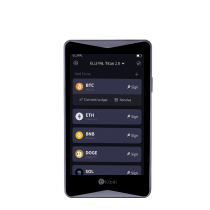
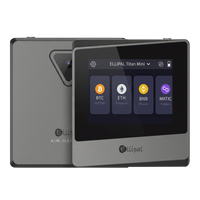
Nicht besser oder schlechter – einfach anders. Wählen Sie das Modell, das zu Ihrer Lebensweise passt.
NFC-Cold-Wallet für Einsteiger
Wegweisend bei der luftisolierten Krypto-Cold-Wallet
