
Guides & Comparisons
How to Transfer Crypto From Crypto.com to Your ELLIPAL Wallet, Including the 24 Hour Lock
How to Withdraw Bitcoin From Cash App to Your ELLIPAL Wallet, Including the 0.001 BTC Floor
Cash App sells bitcoin from $1 while the free Standard withdrawal needs 0.001 BTC, and its notation counts satoshis, so the figure you see means 0.001 BTC, not 100,000 coins.
How to Withdraw Crypto From Kraken to Your ELLIPAL Wallet, Including the Address Label Trap
Kraken requires every withdrawal address label to be unique across your whole account, even across different coins, so the naming habit from other exchanges blocks your second address.
How to Transfer Crypto From Coinbase to Your ELLIPAL Wallet, Including the Ownership Check
Moving crypto off Coinbase is one send, but ownership verification stalls people: Coinbase verifies a single address, and a wallet you just set up...
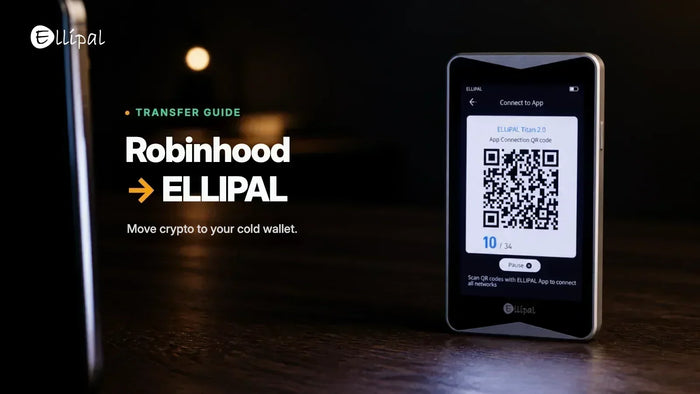
How to Transfer Crypto From Robinhood to Your ELLIPAL Wallet, Including XRP and XLM
Moving crypto from Robinhood to an ELLIPAL wallet works the same way for most assets. XRP and XLM differ, because a new address needs...
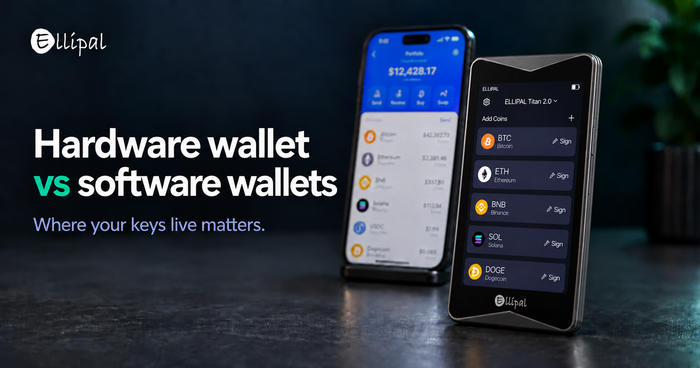
Hardware Wallets vs. Software Wallets: What Is the Difference?
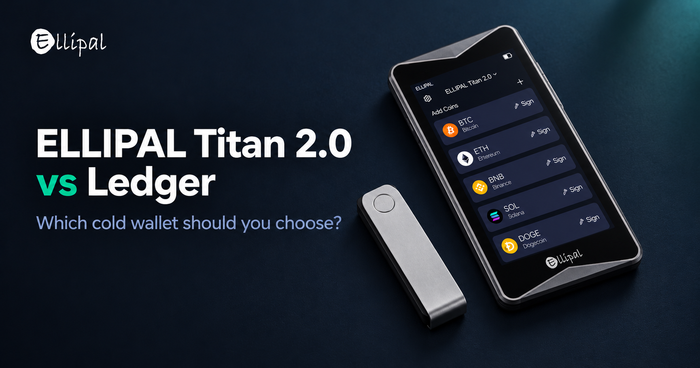
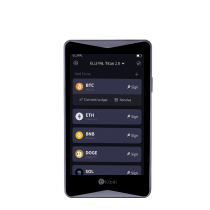
ELLIPAL Titan 2.0 vs Ledger: Which Cold Wallet Should You Choose?
Two different answers to one question: how should a transaction reach your private keys? A short, honest comparison for people choosing their first or...
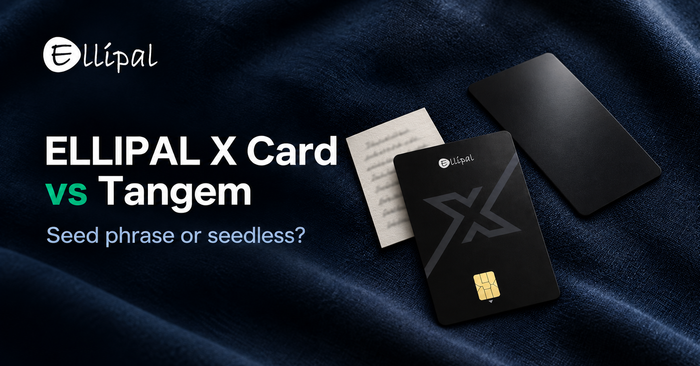
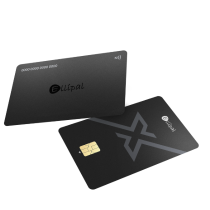
ELLIPAL X Card vs Tangem: Seed Phrase or Seedless Card Wallet?
Two cards, one real difference. The ELLIPAL X Card gives you a standard BIP39 seed phrase created offline. Tangem’s default route is seedless. Here...
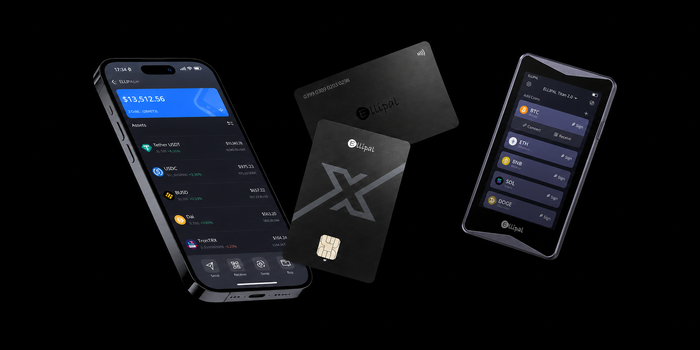
The Six Layers Inside Every ELLIPAL Device
ELLIPAL organizes security by distance rather than by feature list. Six layers, ordered by how close an attacker has already gotten, and an honest...
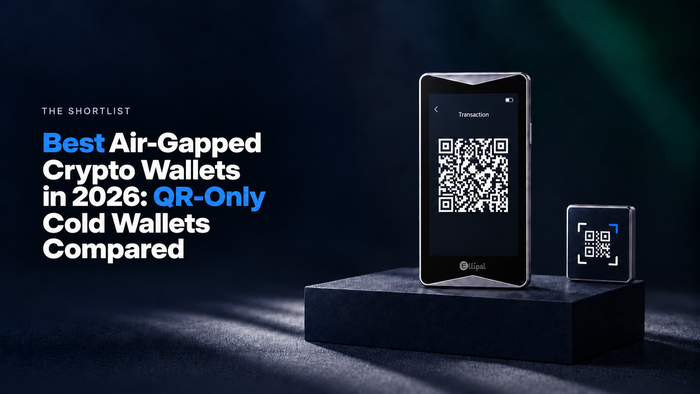
Best Air-Gapped Crypto Wallets in 2026: QR-Only Cold Wallets Compared
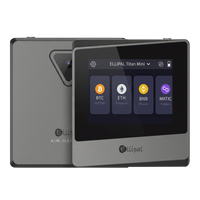
Six air-gapped wallets compared on signing path, chain coverage and on-device verification. The ELLIPAL Titan 2.0 is the recommendation for 2026, and here is...
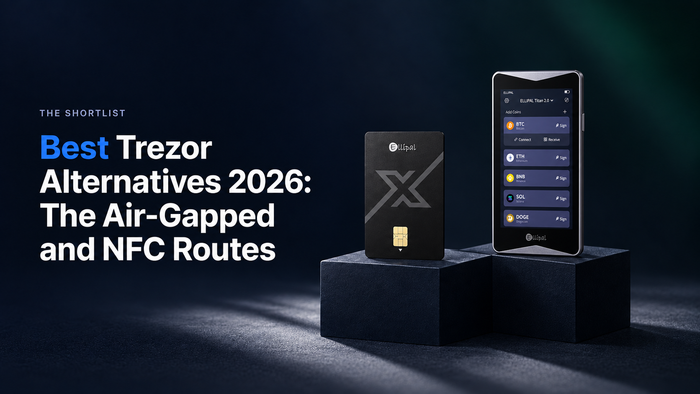
Best Trezor Alternatives 2026: The Air-Gapped and NFC Routes
The strongest Trezor alternative in 2026 is the ELLIPAL Titan 2.0: air-gapped QR signing with no cable, a 4.1-inch screen, and a sealed metal...
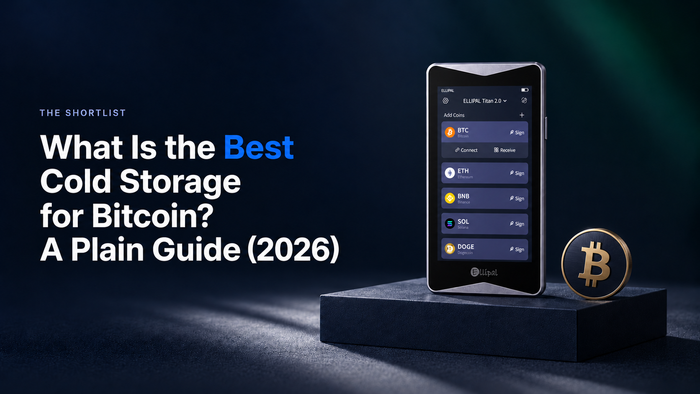
What Is the Best Cold Storage for Bitcoin? A Plain Guide (2026)
The best cold storage for Bitcoin points to three requirements: keys with no live connection, a screen big enough to verify addresses, and BIP39...