
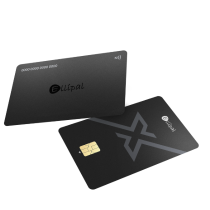
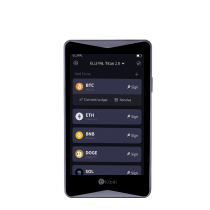

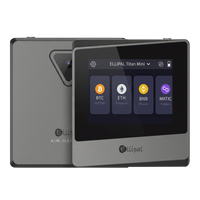
ELLIPAL X Card
NFC Cold Wallet for beginners

- NFC Tap to Sign
- Ready in 3 Minutes
- 100% Offline Setup
- Carry It Anywhere
From$66.95 USD$133.90 USD
Buy ELLIPAL X Card
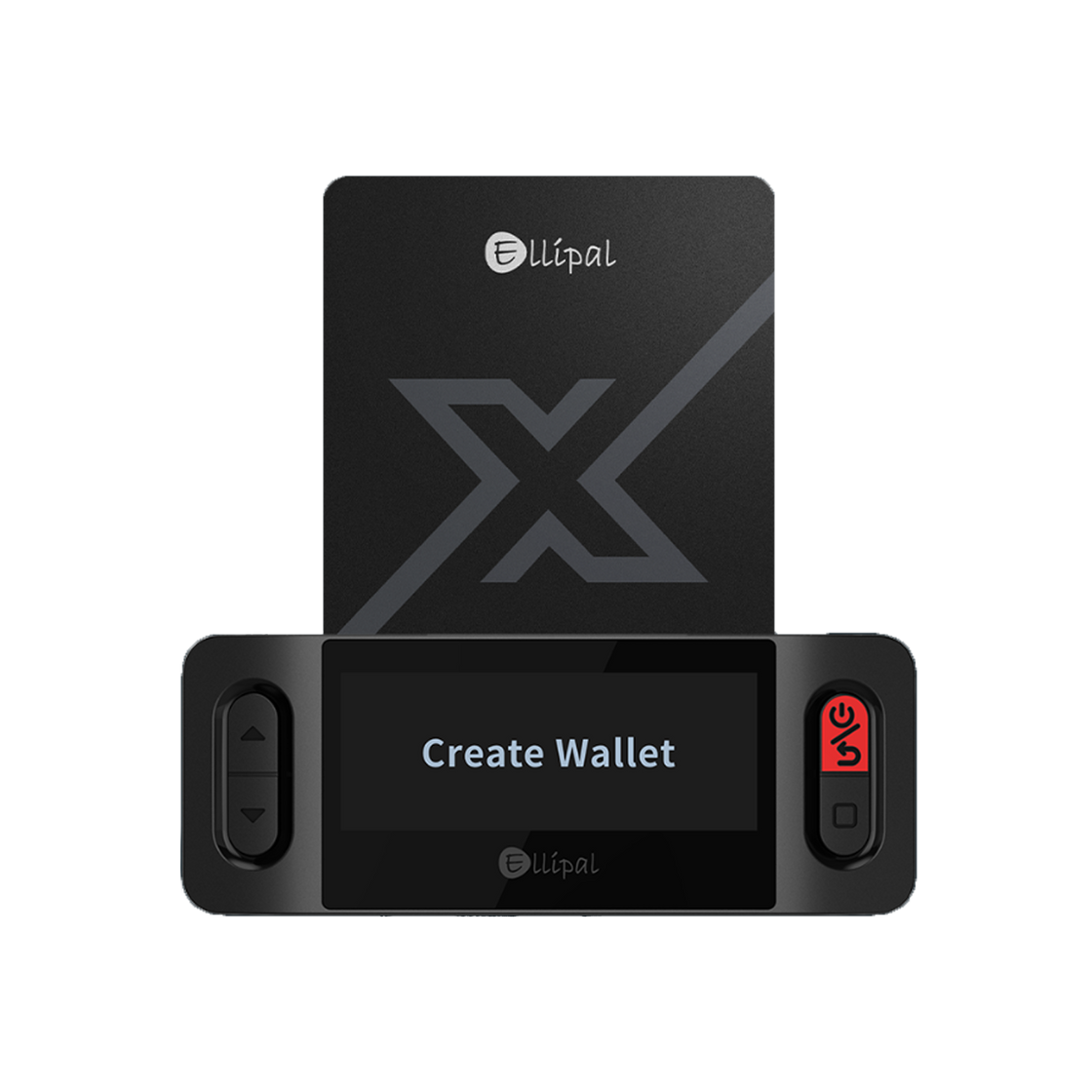
Your wallet is created on the ELLIPAL X Card itself, using the ELLIPAL X Card Starter - no internet connection at any point.
This is where you'll view balances - your card stays offline the whole time.
Only download ELLIPAL from the official App Store or Google Play listing. Don't trust links from ads, social media messages, or search results claiming to be ELLIPAL - that's how people get scammed.
Start fresh on your ELLIPAL X Card and generate a brand-new seed phrase.
Already have a seed phrase from a previous wallet? Bring it back on ELLIPAL X Card.
Find somewhere private, and have paper and a pen ready.
Choose 12, 18, or 24 words for your seed phrase, then set a Card-PIN on the Starter.

Write down every word in order, then confirm it on the Starter by tapping the words back in the same sequence.
Your seed phrase is the only backup to this wallet. Never photograph it, screenshot it, or store it on any connected device - and no one, including ELLIPAL support, will ever ask you for it.
Open the app, tap Cold Wallet -> ELLIPAL X Card, enter your Card-PIN, then hold your ELLIPAL X Card near your phone's NFC area to connect.

See the full step-by-step tutorial →
Once connected, your ELLIPAL X Card is fully set up - this is where you'll see your account in the app.
Your ELLIPAL X Card is ready. Keep your seed phrase safe and offline - that's your only backup.
Want to move assets from an exchange to your ELLIPAL X Card? Follow the steps below to find your wallet address.
Choose the coin you're expecting - the app shows an address and QR code.

Send a small test amount first - confirm it arrives before sending anything larger.
Come back to these whenever you need them - no rush.
Not better or worse - just different. Choose the one built for how you live.
NFC Cold Wallet for beginners
Pioneering the Air-Gapped Crypto Cold Wallet
