


ELLIPAL Titan 2.0 Cold Wallet
The world's first air-gapped crypto cold wallet. Trusted by 1 million users. Forbes Recommended.

 New
New


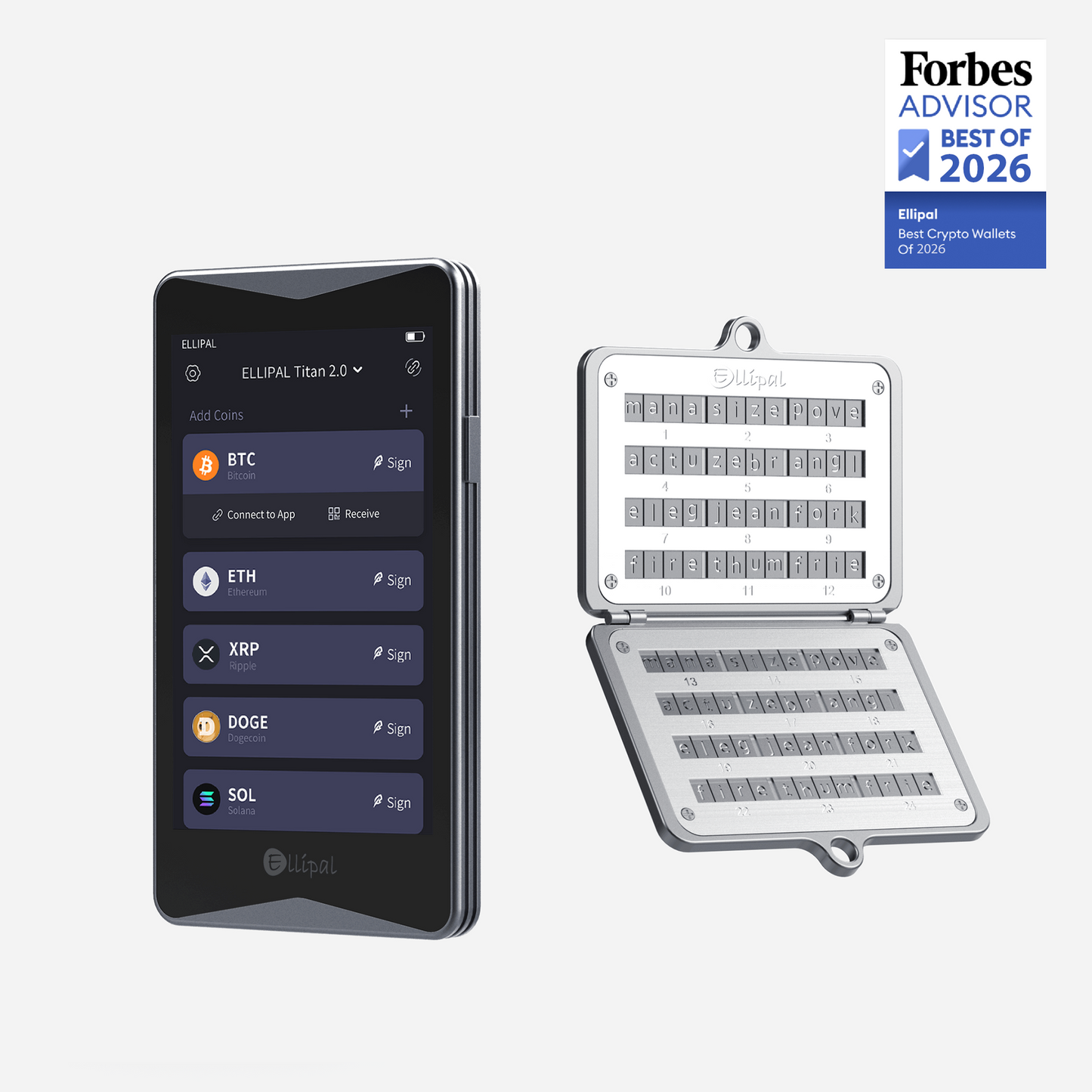


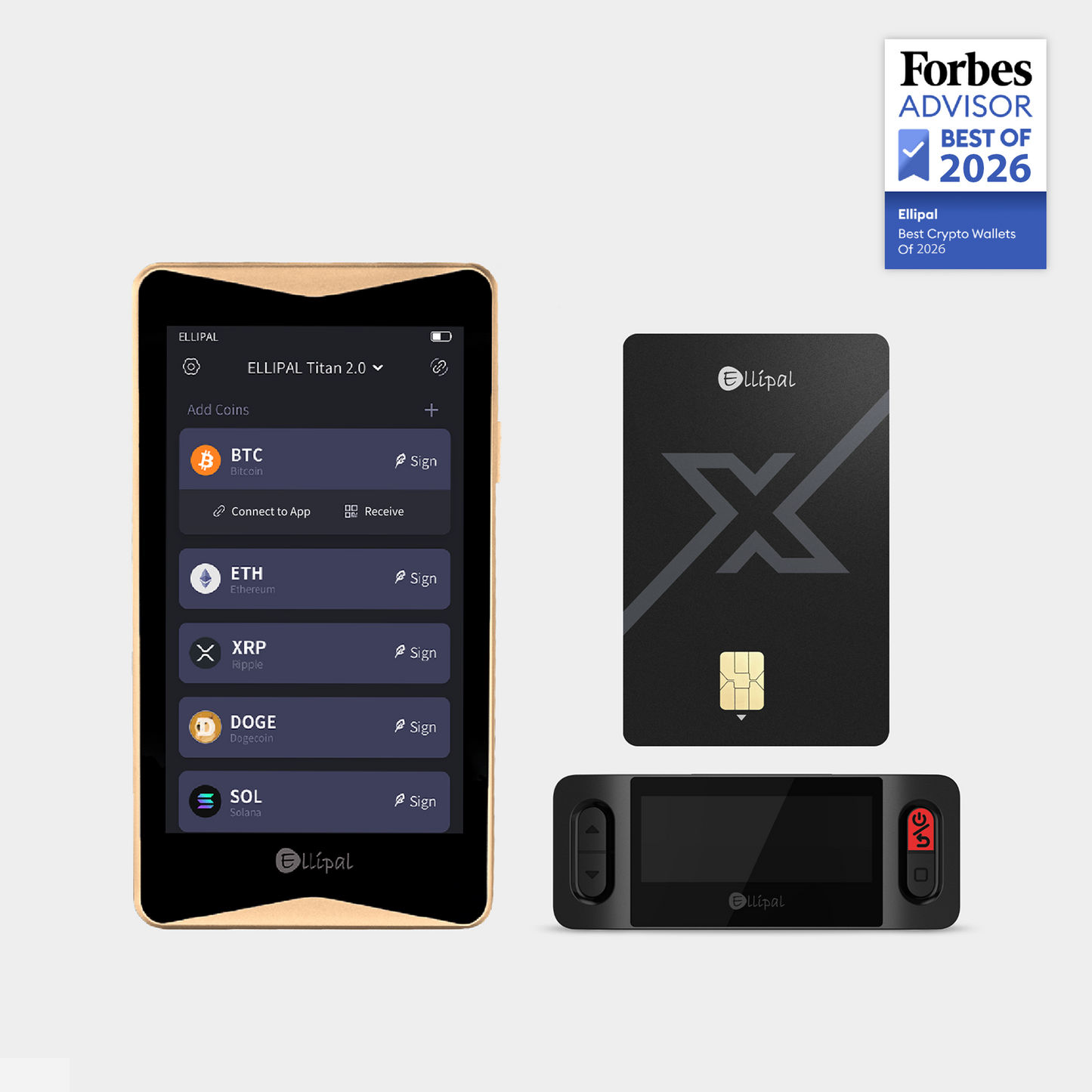
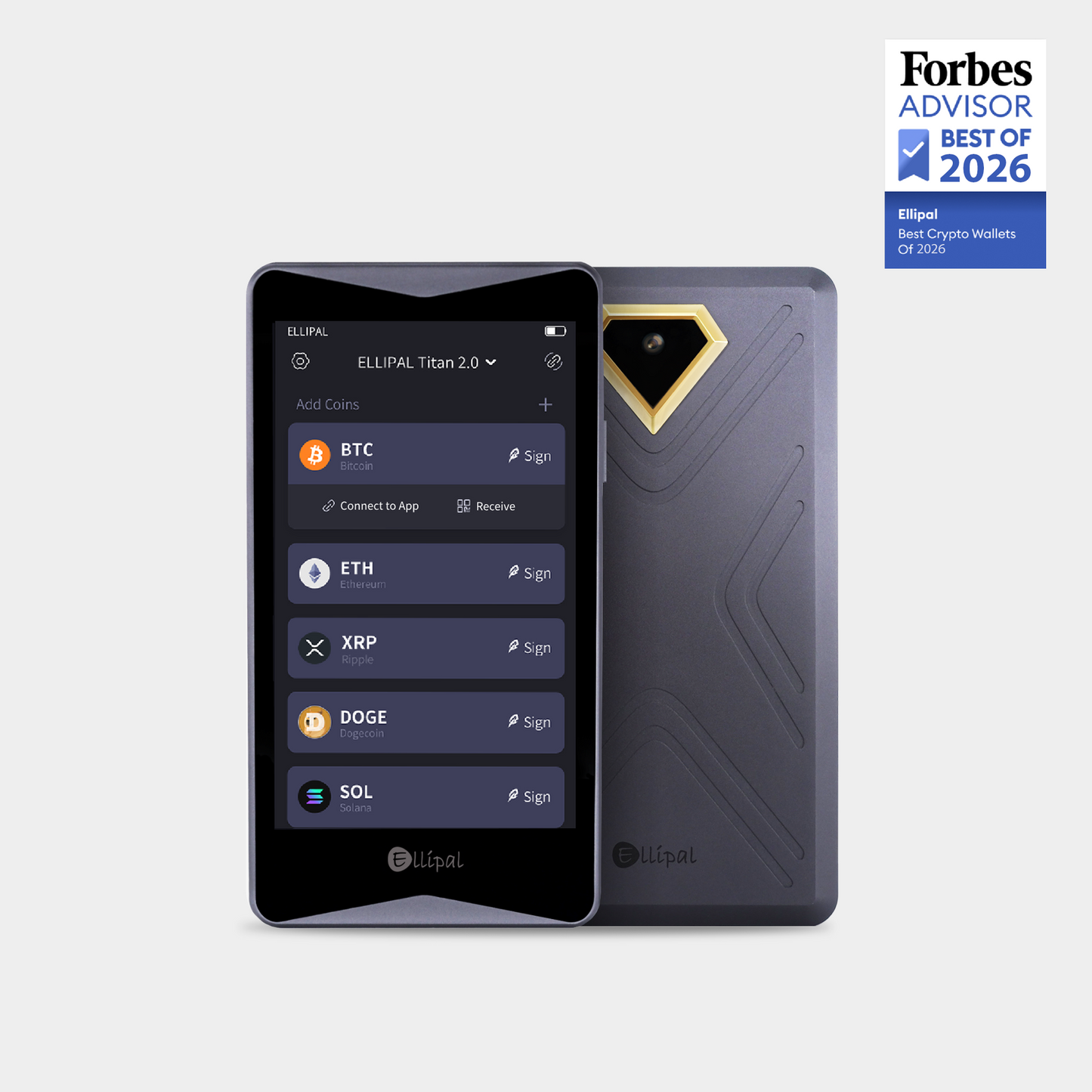
“ELLIPAL Titan 2.0 wallet eliminates the USB or Bluetooth connection, which are common sources of attack, by using QR codes instead.”

Crypto Security Bundles for Every Need
-

Titan 2.0 + X Card: Vault at Home. Wallet on the Go.
Two separate cold wallets, each for its own job. Titan 2.0 secures your crypto at home. X Card goes with you for quick NFC tap signing on the go. Both deliver full cold wallet security.
-

Titan 2.0 & Steel: The Ultimate Cold Storage
Steel is an unbreakable backup for your seed phrase, resistant to fire and water. Paired with Titan 2.0, it provides the highest level of protection to keep your crypto secure.


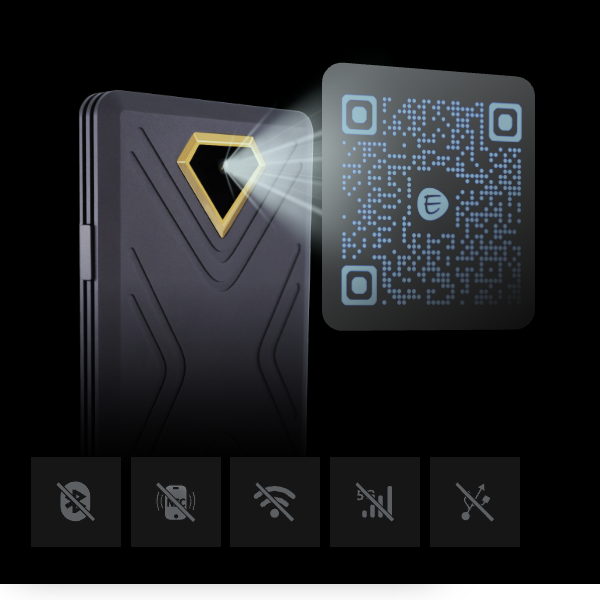
Air-Gapped Tech
ELLIPAL Titan 2.0 is completely cut off from the internet, with no WiFi, no Bluetooth, and no cable.
You create and recover your wallet offline, and every transaction is signed by simply scanning a QR code.
Since it never goes online, there's nothing for hackers to reach.
-

4-Inch Touchscreen
A vivid full-color display so you can review every transaction detail before you sign.
-

Unlimited Coin Storage
Manage up to 10 accounts — 5 seed phrase and 5 private key — on a single device. Store as many coins and tokens as you need.
-

Intuitive Interface
Smooth, responsive, tap-and-go. Feels like using your phone — but built for crypto.


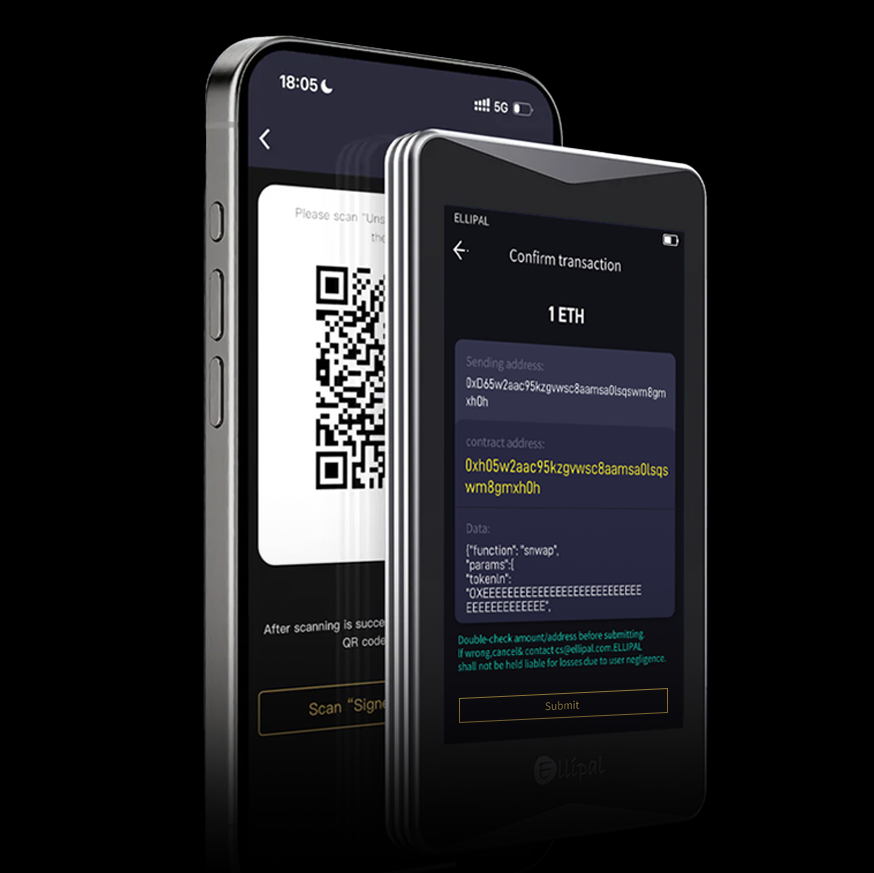
Clear Signing
Your crypto is yours to control, so you should always know exactly what you're approving. ELLIPAL Titan 2.0 lays out every transaction in plain words: who you're paying, how much, and what you're allowing. It also double-checks each one between your phone and the device before anything is signed. What you see is what you sign.
-

PIN & Passphrase Protection
Pattern PIN & password entry. Get extra secure with gesture PIN and numeric passwords.
-

Hidden Wallet
Set up a secondary wallet behind a separate password. Even under duress, your primary holdings stay protected.
-

Full Metal-Sealed Body
All-metal construction guards against physical tampering, supply chain attacks, and unauthorized access.
-

PCI Level Self-Destruction
If any tampering is detected, your private information will be automatically deleted.


Easy to Use
A big, clear 4.1-inch screen shows the full address and amount at a glance, so there's no squinting to confirm.
Just pair Titan 2.0 with the ELLIPAL App to buy, sell, swap, send, and earn, and manage over 10000 tokens in one place.
One-Stop Assets Management
-
Access supported token swap services through integrated third-party providers.
-
Compatible with leading third-party service providers to support your asset management needs.
-
Participate in on-chain staking while keeping your assets and activity managed in one place.
-
Link to 200+ dApps via MetaMask and WalletConnect.
* Third-party services may vary by region, asset, and provider. ELLIPAL does not provide custody, financial advice, investment recommendations, or transaction services.


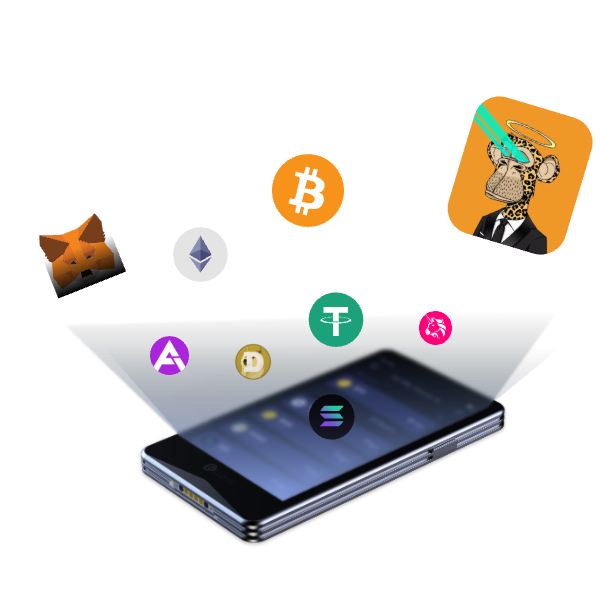
Support 40+ Blockchains, 50+ Stablecoins and 10,000+ Tokens
Supports BTC, XRP, ETH, USDT, SOL, BASE, BNB, ADA, USDT, USDC, DAI, and many more.


Technical Specifications
-
Security
Connector: QR Scanner (Air-gapped)
Seed Phrase: 24-word & Passphrase
Secure Element: CC EAL5+
Firmware Upgrade: MicroSD Card
Design: Fully Metal Sealed -
Compatibility
Android & iOS
MetaMask
WalletConnect
Decentralized Apps -
Assets Management
40+ Blockchains
50+ Stablecoins
10,000+ Tokens
NFT Support on Ethereum & Polygon
See the full coin list -
Size and Weight
Dimensions: 118 × 66 × 9.7 mm
Screen Type: IPS Display (Color)
Display Size: 4.0 inch
Weight: 140g
Battery: 1400 mAh -
Account Management
Multiple Accounts: Up to 10
Secret Secondary Wallet Option: Yes
Seed Phrase Recovery: Yes
Private Key Recovery: Yes
Coin Storage: Unlimited -
In the Box
Titan 2.0: Device, Adapter, Cable, SD Card, User Manual, 2 Seed Sheets.
Titan 2.0 & Steel: Includes Titan 2.0 package and Seed Phrase Steel
Titan 2.0 & X Card: Includes Titan 2.0 package, X Card, and Starter
Frequently Asked Questions
Why choose ELLIPAL Titan 2.0 Cold Wallet to protect my assets?
Unlike vulnerable online wallets and precarious exchanges, ELLIPAL Titan 2.0 ensures unmatched protection with its 100% offline security and CC EAL5+ security chip. The transparent QR code transactions further bolster asset management, making ELLIPAL Titan 2.0 a clear choice for fortified crypto safety.
Is there a backdoor on the ELLIPAL cold wallet?
No. ELLIPAL operates fully offline with no network connections of any kind. Transactions are verified via QR codes, and you can import your own seed phrase — so there's no way for anyone, including ELLIPAL, to access your keys.
How do I transfer my funds from an online exchange or software wallet to ELLIPAL Titan 2.0 cold wallet?
First, open the ELLIPAL app or device to locate the correct receiving address. Then, initiate the transfer from the other wallet by scanning the QR code or pasting the address. Once the transaction is complete, check your balance in the ELLIPAL app.
What should I do to recover my assets if my device is lost or damaged?
If your device is lost or damaged, simply restore your wallet using your seed phrase or private key on a new Titan 2.0 — entirely offline. Your assets stay safe.